BNB Smart Chain for Beginners — What It Is and How to Start
If you're new to crypto and keep hearing about "BSC" or "BNB Smart Chain" but have no idea what it means — this guide is for you. No jargon, no hype. Just a clear explanation of what it is, why people use it, and how to get started.
What is BNB Smart Chain?
BNB Smart Chain (BSC) is a blockchain — a network of computers that keeps track of who owns what. Think of it like a global spreadsheet that nobody controls and everybody can verify.
It was created by Binance (the world's largest crypto exchange) in 2020. The "Smart" part means it can run programs called smart contracts — basically apps that run on the blockchain instead of a company's server. These apps include exchanges, lending platforms, staking protocols, games, and more.
You might also see it called BSC, BNB Chain, or just Binance Smart Chain. They all mean the same thing.
Why Do People Use BSC?
Two words: cheap and fast.
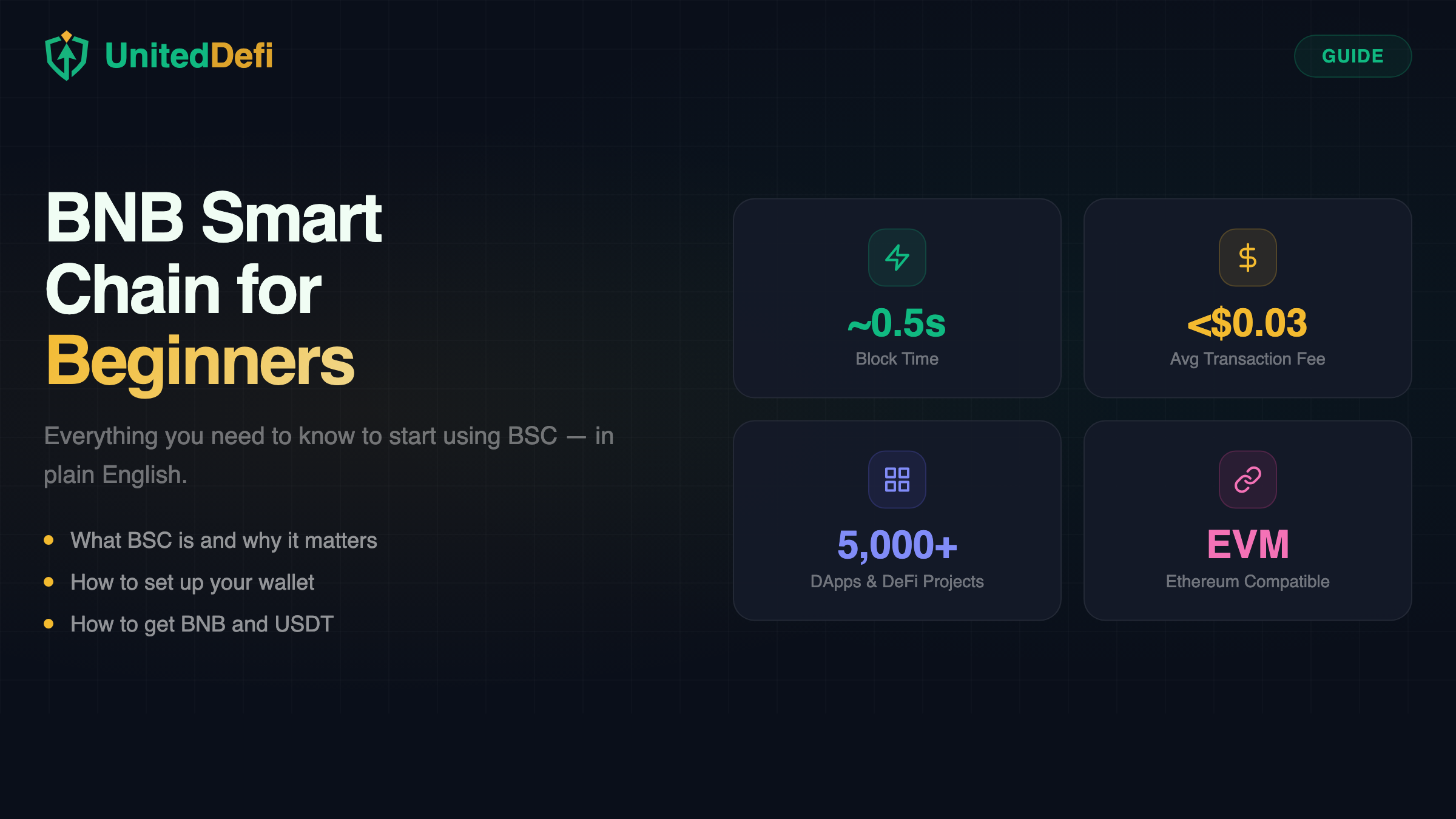
Every time you do something on a blockchain — send tokens, swap coins, deposit into a staking protocol — you pay a small fee called gas. On Ethereum, this can cost $2–$50 depending on how busy the network is. On BSC, the same action costs less than $0.03.
BSC also confirms transactions in about half a second, compared to Ethereum's 12–15 seconds. For everyday use — depositing, claiming rewards, swapping tokens — BSC just feels faster and cheaper.
BSC vs Ethereum: Quick Comparison
| BNB Smart Chain | Ethereum | |
|---|---|---|
| Avg transaction fee | < $0.03 | $1 – $50 |
| Block time | ~0.5 seconds | ~12 seconds |
| Consensus | Proof of Staked Authority (55 validators) | Proof of Stake (900k+ validators) |
| EVM compatible | Yes | Yes (it's the original) |
| Popular for | DeFi, staking, gaming, low-cost swaps | DeFi, NFTs, enterprise, L2s |
| Native token | BNB | ETH |
The tradeoff: Ethereum is more decentralized (hundreds of thousands of validators vs BSC's 55). BSC is faster and cheaper, but relies on fewer validators. For most everyday DeFi users, BSC's speed and cost make it the practical choice.
What You Need to Get Started
Three things:
- A crypto wallet — an app that stores your tokens and connects to blockchain apps. Think of it as your personal bank account that only you control.
- Some BNB — a tiny amount to pay for transaction fees (gas). $0.50 worth of BNB is enough for dozens of transactions on BSC.
- The tokens you want to use — for example, USDT if you want to stake, or any other token you want to swap or hold.
Step 1: Set Up a Wallet
The two most popular wallets for BSC are:
- MetaMask — works on phones (iOS/Android) and as a browser extension (Chrome, Firefox, Brave, Edge). Most widely used wallet in all of DeFi.
- Trust Wallet — mobile app (iOS/Android). Made by Binance. Very beginner-friendly. BSC is built-in by default.
Installing MetaMask
- Go to metamask.io/download or search "MetaMask" in your app store.
- Install and open the app.
- Tap Create a new wallet.
- Write down your 12-word secret phrase on paper. This is the only way to recover your wallet if you lose your phone.
- Set a password or enable biometrics.
Adding BSC to MetaMask
MetaMask defaults to Ethereum. To use BSC:
- Open MetaMask and tap the network selector at the top (it says "Ethereum Mainnet").
- Tap Add network.
- Find BNB Smart Chain in the popular networks list and confirm.
- Switch to it.
Network: BNB Smart Chain | RPC: https://bsc-dataseed.binance.org
Chain ID: 56 | Symbol: BNB | Explorer: https://bscscan.com
Using Trust Wallet?
Good news — BSC is already built in. You don't need to add anything. Just make sure you see "Smart Chain" or "BNB" in your token list.
Step 2: Get BNB and USDT
You need BNB for gas fees and USDT (or whatever token you want to use) for the actual activity.
If you already have crypto:
- Send BNB and USDT from an exchange (Binance, KuCoin, etc.) to your wallet address.
- Make sure you select the BNB Smart Chain (BEP-20) network when withdrawing. Not Ethereum, not Tron, not Solana. BEP-20.
If you're buying for the first time:
- Use the "Buy" button inside MetaMask or Trust Wallet. You can pay with a debit card.
- Or buy on Binance.com and send to your wallet via the BEP-20 network.
Step 3: Start Using BSC
Once you have a wallet with some BNB and USDT, you can do anything on BSC. Here are the most popular things people do:
- Stake USDT — earn daily rewards by depositing USDT into a staking protocol like UnitedDefi.
- Swap tokens — trade one token for another on PancakeSwap (the biggest DEX on BSC).
- Lend & borrow — supply tokens to earn interest or borrow against your crypto on Venus.
- Bridge tokens — move tokens between BSC and other chains using bridges.
To use any of these apps, you just:
- Visit the app's website in your wallet's built-in browser (mobile) or your regular browser with MetaMask installed (PC).
- Click Connect Wallet.
- Approve the connection.
- Start using the app.
Common Mistakes to Avoid
- Wrong network when sending tokens. Always use BEP-20 when sending to a BSC wallet. Ethereum (ERC-20) tokens sent to a BSC address are lost.
- No BNB for gas. Even if you have $1,000 in USDT, you can't do anything without a little BNB to pay fees. Keep at least $0.50–$1 worth of BNB in your wallet.
- Sharing your secret phrase. Nobody legit will ever ask for it. Period.
- Approving random contracts. Only interact with apps you trust. If a random site asks you to "approve" or "connect" — think twice.
- Ignoring the network indicator. Before making any transaction, check that your wallet is set to "BNB Smart Chain" and not Ethereum or some other network.
Quick FAQ
Is BSC safe?
BSC itself is a proven blockchain running since 2020 with billions in value. The risks come from individual apps — always check if an app is audited and has a track record.
Do I need a Binance account to use BSC?
No. BSC is a public blockchain. Anyone can use it with just a wallet. No account, no KYC, no registration.
How much BNB do I need for gas?
Very little. A typical transaction costs $0.01–$0.03. $0.50 worth of BNB will last you dozens of transactions.
Can I use BSC on my phone?
Yes. Both MetaMask and Trust Wallet work on iOS and Android. Most DeFi apps are mobile-friendly.
What's the difference between BNB and BSC?
BNB is the token (the coin you hold and spend on gas fees). BSC (BNB Smart Chain) is the blockchain network where the token lives and apps run.
Ready to Try It?
If you've followed this guide, you now have a wallet connected to BSC with some BNB and USDT. The easiest way to see BSC in action is to stake your first USDT and watch rewards accumulate in real time.
Start Staking on BSC