Platform Update: Settings Panel & Referral Link Fix
Today's update brings a new Settings panel and fixes a bug where referral links broke when navigating between pages. Here's what changed.
What's New
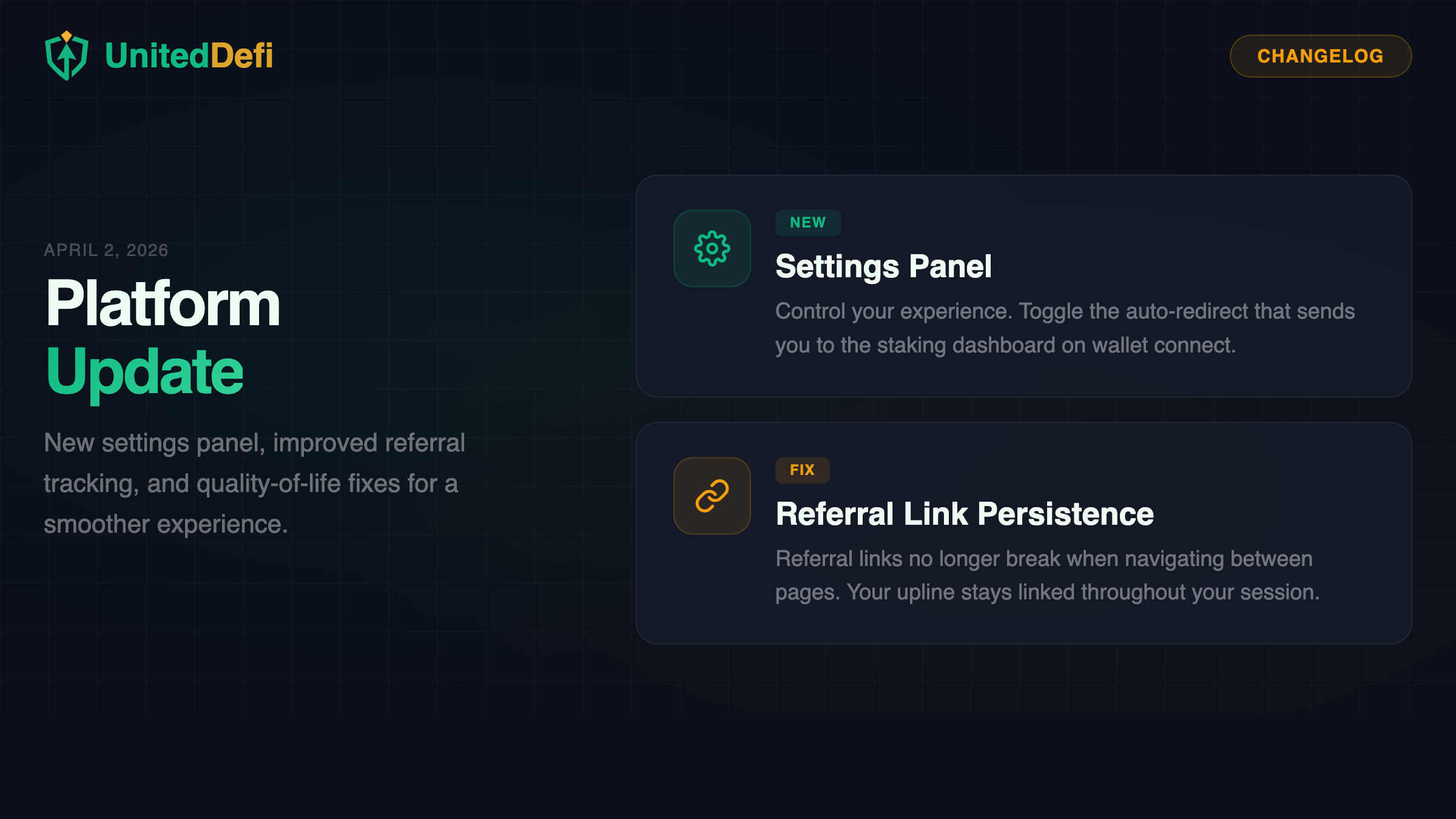
New Settings Panel
There's now a gear icon in the header that opens a Settings modal. The first setting you can control is auto-redirect — by default, when you connect your wallet on the homepage, the app sends you straight to the Staking dashboard. Some users found this confusing, thinking it was a bug. Now you can turn it off. Your preference is saved in your browser and persists between visits.
Fix Referral Link Persistence
Previously, if you opened a referral link like uniteddefi.live?ref=0xABC... and then clicked "Start Staking" to go to the deposit page, the referral address was lost. The deposit form would show a warning: "You are depositing without an upline link." You'd have to hard-refresh the page to get the link back. This is now fixed — the referral address is saved when you first land on the site and stays linked no matter how you navigate. No more lost referrals.
Details
Settings panel:
- Accessible from the gear icon in the header (desktop and mobile)
- Auto-redirect toggle — on by default, turn it off to stay on the homepage when connecting your wallet
- Settings are saved per browser using localStorage
- Translated in all 5 supported languages (EN, MS, ZH, AR, HI)
Referral link fix:
- The
?ref=parameter is now captured on any page and stored in localStorage - The deposit form reads from localStorage as a fallback when the URL parameter is missing
- Works across all navigation paths: landing page buttons, header links, auto-redirect, and direct URL access