New Feature: Referral Tree View
You asked, we built it. Starting today, you can visualize your entire referral network as an interactive tree directly from your Referral Dashboard.
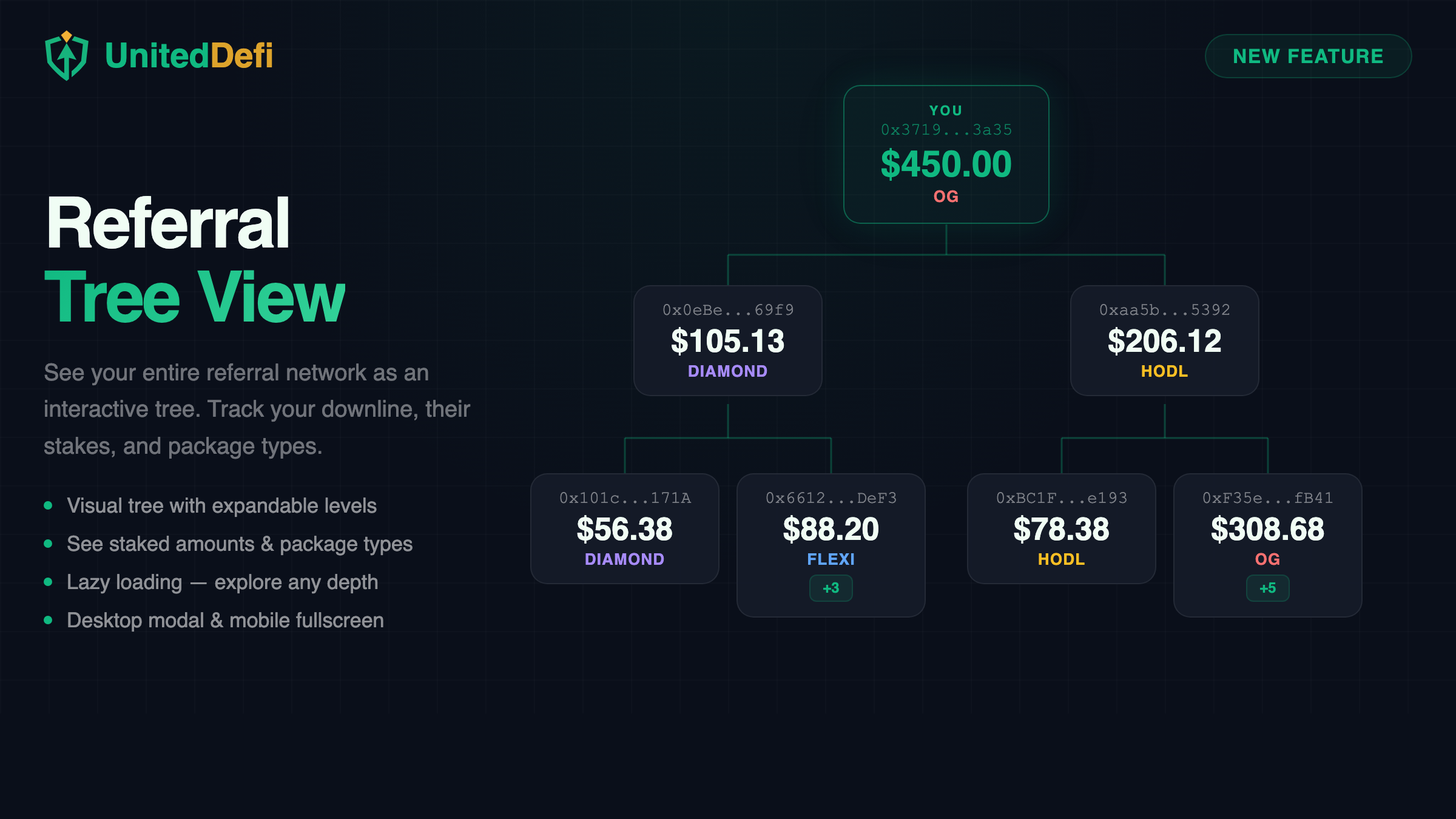
No more guessing who's in your downline or scrolling through a flat list. The new Tree View gives you a bird's-eye view of your network — who referred who, how much they've staked, and what package they're on.
How It Works
Head to your Referral page and click the "View Tree" button next to "Your Referrals". A modal will open showing your network as a tree of connected cards.
- Your wallet is the root node at the top, highlighted in green.
- Level 1 shows your direct referrals below you.
- Level 2 shows their referrals — your indirect downline.
- Nodes with deeper referrals show a +N badge. Click it to expand and load the next level.
Each card in the tree shows:
- The wallet address (shortened)
- Their total staked amount in USDT
- Their highest active package (Flexi, Diamond, HODL, or OG)
Key Features
Expandable Levels
The tree loads 2 levels by default. Click the +N badge on any node to explore deeper levels on demand.
Real-Time Data
All data is fetched directly from the smart contract. Staked amounts and package types are always up to date.
Responsive Design
On desktop it opens as a centered modal. On mobile it goes fullscreen for maximum space.
Lazy Loading
Only loads data when you need it. Even with hundreds of referrals, the tree stays fast and smooth.
Why This Matters
UnitedDefi's referral program pays commissions up to 20 levels deep. Until now, you could only see your direct referrals in a table. The Tree View lets you understand the full shape of your network.
Use it to:
- Track growth — see which branches of your network are expanding.
- Identify active members — spot who has staked and on which packages.
- Plan your strategy — understand your network structure to maximize your referral tier earnings.
Try It Now
The Referral Tree View is live right now. Connect your wallet and check it out.
Open Referral Dashboard